NVIDIA DGX Spark 64GB Gives Developers More Ways to Build and Scale Local AI
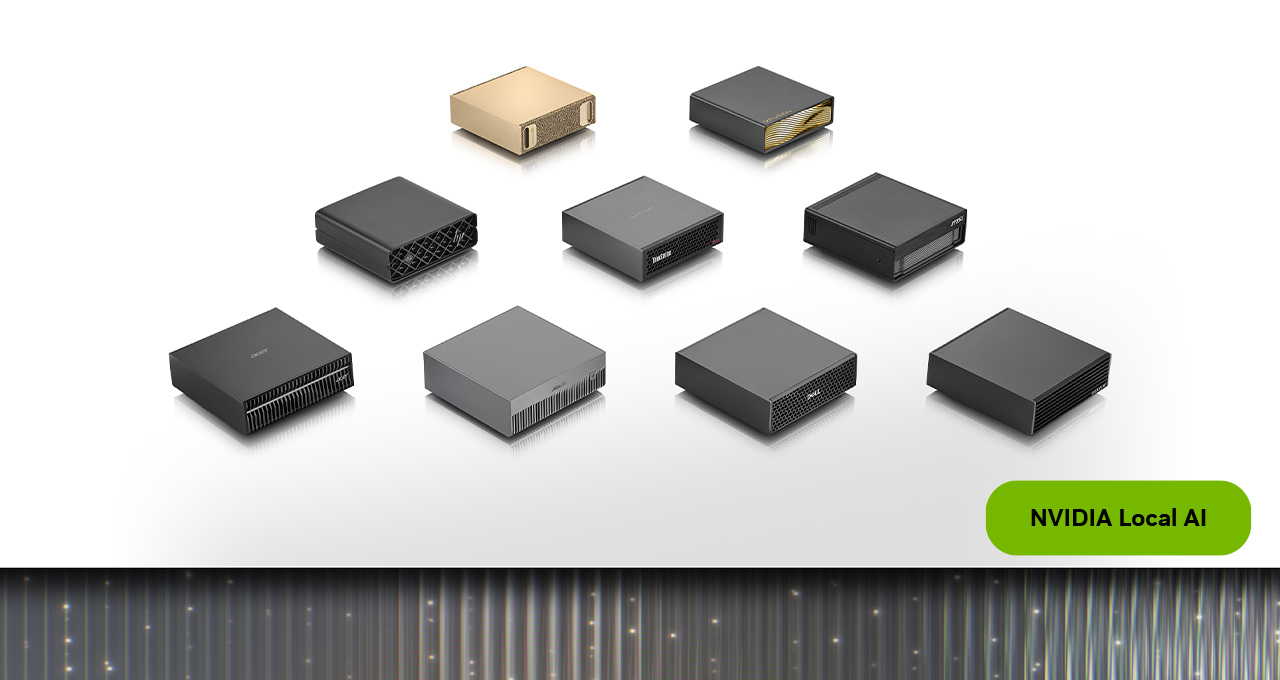
NVIDIA’s DGX Spark 64 GB workstation brings a full AI software stack—including DGX OS, CUDA‑X AI libraries, Nemotron models, and runtimes like Ollama, vLLM, and PyTorch—together with 64 GB of unified memory and Grace Blackwell compute, enabling on‑device execution of up to 100‑billion‑parameter models. When two units are linked via the built‑in ConnectX‑7 NIC and NVIDIA Sync Cluster Assistant, memory pools to 128 GB, model capacity doubles to 200 billion parameters and performance on a Qwen 3.8 27B workload rises up to 1.7× versus a single node. The system ships ready‑to‑run agents and includes NVIDIA Sync Model Launcher for one‑click deployment, lowering the barrier for developers to prototype and scale local AI without cloud dependence. Engineers can thus prototype, fine‑tune, and serve large models locally and seamlessly expand to multi‑node clusters as workloads grow.
⚡ Key Takeaways
- Supports up to 100 B‑parameter models on a single 64 GB DGX Spark; two‑node clusters extend support to 200 B parameters.
- Built‑in NVIDIA ConnectX‑7 NIC and QSFP cable enable seamless multi‑node clustering via NVIDIA Sync Cluster Assistant.
- Two clustered 64 GB units achieved up to 1.7× performance on the Qwen 3.8 27B benchmark.
- Out‑of‑the‑box software includes NVIDIA Agent Toolkit, CUDA‑X AI libraries, Nemotron open models, Ollama, vLLM, and PyTorch with CUDA.
- NVIDIA Sync Model Launcher will allow one‑click launching of models like Qwen 3.8 27B across single or clustered nodes.
Engineers can now run and scale very large LLMs locally, cutting cloud latency and cost while retaining the ability to expand to multi‑node performance gains with minimal configuration.
✅ Practical Steps
- Power on a DGX Spark 64 GB unit and launch the preinstalled NVIDIA Agent Toolkit or a runtime such as Ollama to run a model locally.
- Connect a second DGX Spark via a QSFP cable; the NVIDIA Sync Cluster Assistant will auto‑detect, validate, and configure the ConnectX‑7 network for pooled 128 GB memory.
- Use the upcoming NVIDIA Sync Model Launcher to click‑launch Qwen 3.8 27B (or other supported models) across the clustered nodes.
Want the full story? Read the original article.
Read on NVIDIA Blog ↗