SiliconANGLE AI
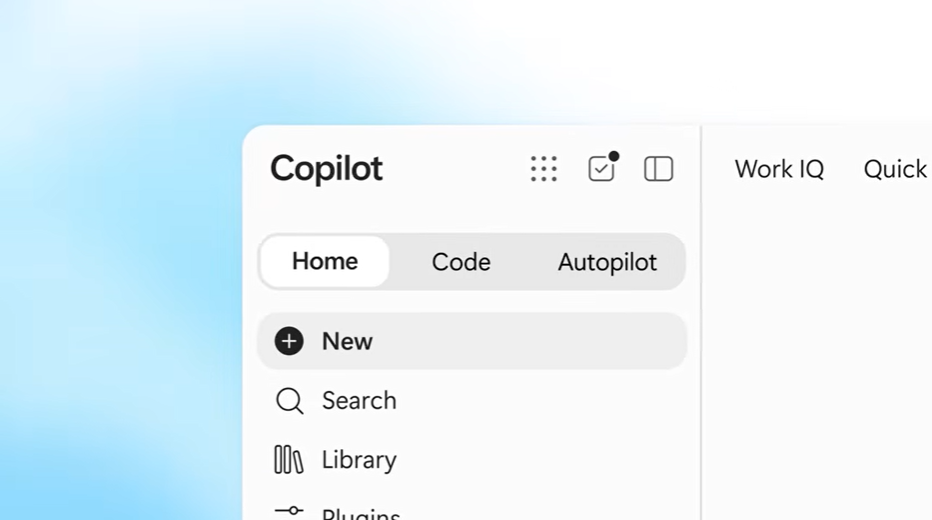
Microsoft overhauls Copilot with new coding, document editing features
Level:Intermediate
For:ML Engineers
✦TL;DR
Microsoft launched an updated Copilot for Microsoft 365 that adds a new “Code” interface section, allowing non‑technical users to generate simple applications via natural‑language prompts, such as a dashboard for tracking store sales. This expands Copilot beyond document editing into low‑code app creation, broadening its utility for business analysts. Engineers can now consider integrating prompt‑driven app generation into productivity tools, though details on underlying models or APIs are not disclosed.
⚡ Key Takeaways
- The new interface section is named **Code**.
- Enables creation of simple apps from natural‑language prompts for non‑technical workers.
- Example use case: a business analyst builds a sales‑tracking dashboard via Copilot.
💡 Why It Matters
Extending Copilot to low‑code generation lets product teams embed AI‑assisted app creation directly into office suites, accelerating internal tooling without hiring developers.
✅ Practical Steps
- Apply the concepts from this article to your own system design.
Want the full story? Read the original article.
Read on SiliconANGLE AI ↗More like this
Censored vs. Truncated Regression in Python, Explained
Towards Data Science•#llm
How Google Duplex evolved to also call businesses for you in Gemini
Google Research•#agents
Q&A: Enabling more human-like interactions and understanding in multimodal foundation models
MIT News AI•#llm
Welcome Inkling 2 Mini, Cutting-edge Performance for your Local Setup
Hugging Face Blog•#llm